 GrubGrange
LaGrange, Georgia · 100% free
Find LaGrange food trucks live on a map.
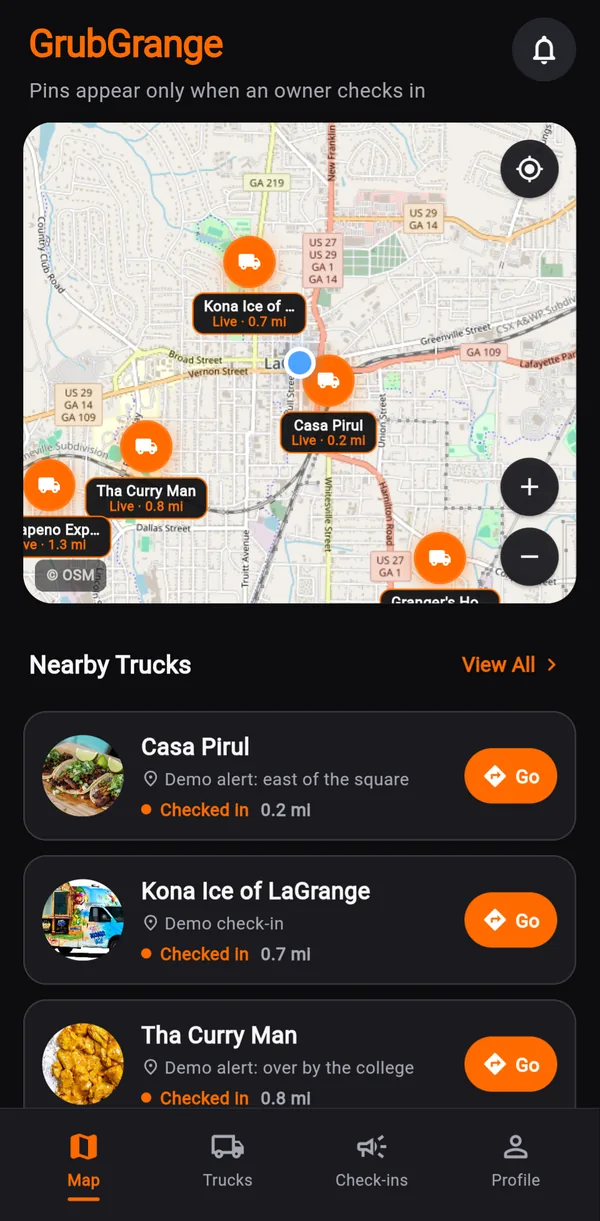
GrubGrange shows which local food trucks are out right now. A pin appears only when the owner taps “I’m here”, so the map shows who’s actually serving.
Install GrubGrange: tap Share then Add to Home Screen.On newer iPhones, Share is inside the ••• menu next to the address bar.
Open in Safari to install. Tap the ••• menu and choose Open in Safari (or Open in browser), then tap Share → Add to Home Screen.
- Free
- No account
- No ads
- No download needed
Inside the app
Lunch, sorted in a few taps
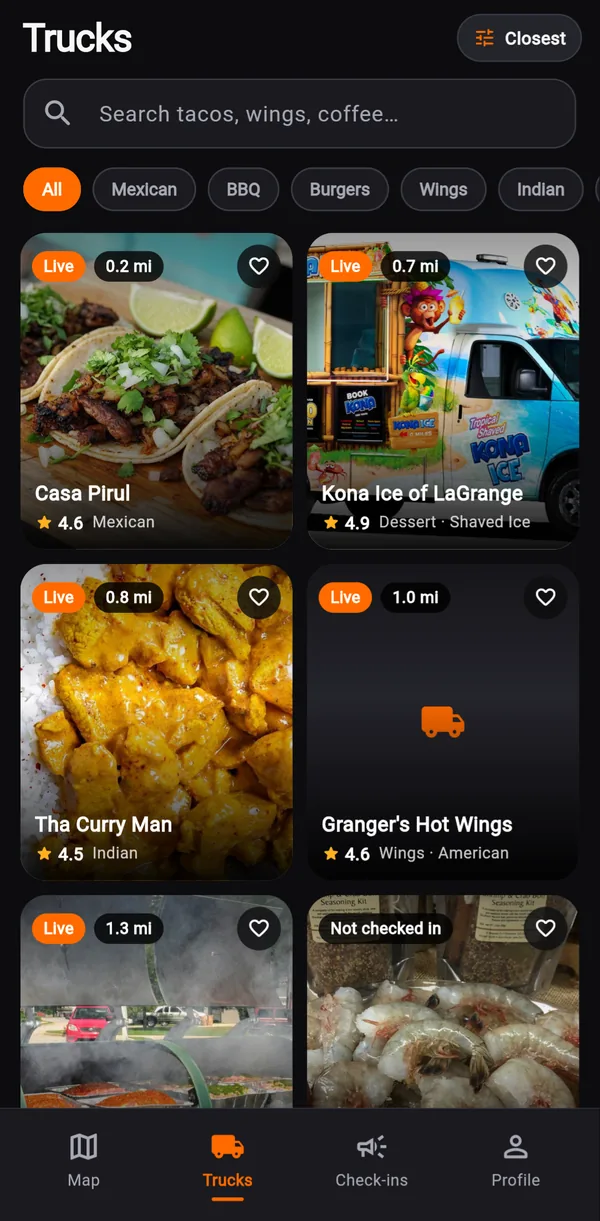
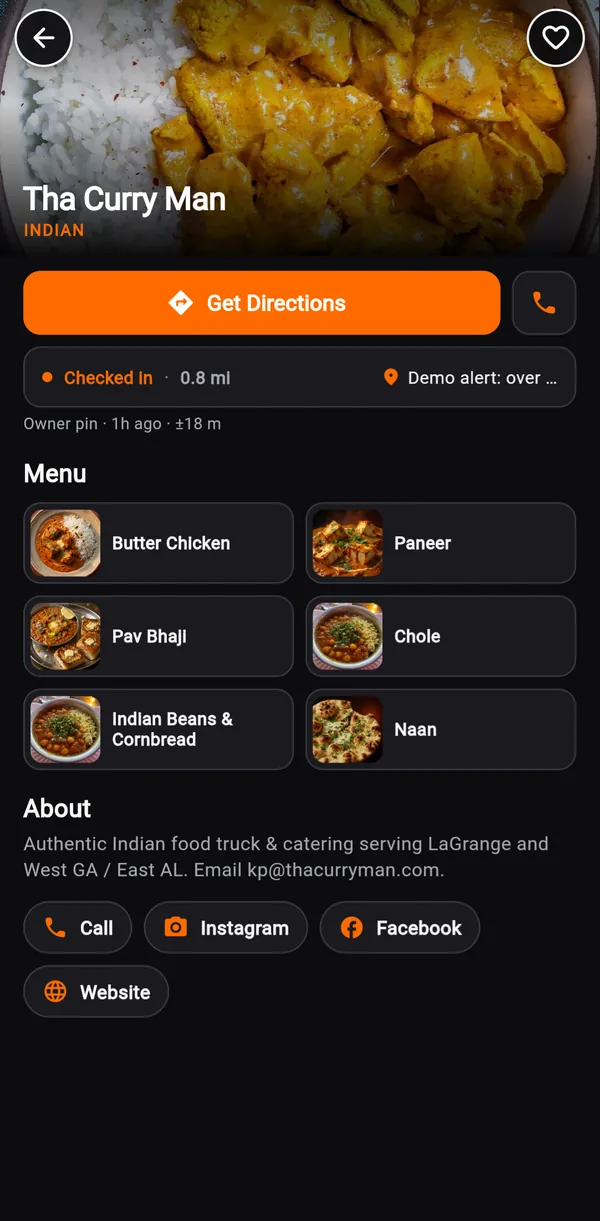
Real screens from GrubGrange. Open it, see who’s out, get directions.
How it works
Only trucks that are actually out
- Owner checks inWhen a truck opens, the owner taps “I’m here” and its pin goes live.
- You see it on the mapOpen GrubGrange to see who’s serving and how far away they are.
- Pin comes offOwners set an “until” time and the pin comes off when they’re done. Check-ins also clear at midnight, so there are no stale posts.
For truck owners
Run a food truck in LaGrange?
Getting on GrubGrange is free: no fees, no ads. Check in on the days you’re out and hungry people nearby can find you.
Email to get listedQuestions
Good to know
Is GrubGrange really free?
Yes. It’s free for people looking for food and for truck owners. There are no ads.
Do I need an account?
No. Just open the map. Favorites are saved on your own device.
Does it track my location?
Only if you allow it, and only to center the map and show distances. Your location stays on your device and isn’t uploaded. See the privacy policy.
How do I install it on Android?
Open GrubGrange in Chrome and tap Install the app (or Chrome’s menu → Install app). It gets its own icon and opens full screen, like any other app.
A truck is missing or wrong
Email gabell87@gmail.com and it’ll get fixed.